Wyndra
A beautiful, Apple Weather-inspired iOS weather app built with SwiftUI. Features dynamic weather backgrounds, glassmorphic UI, real-time weather data, and detailed weather metrics — all crafted with 100% native Swift and zero external dependencies.
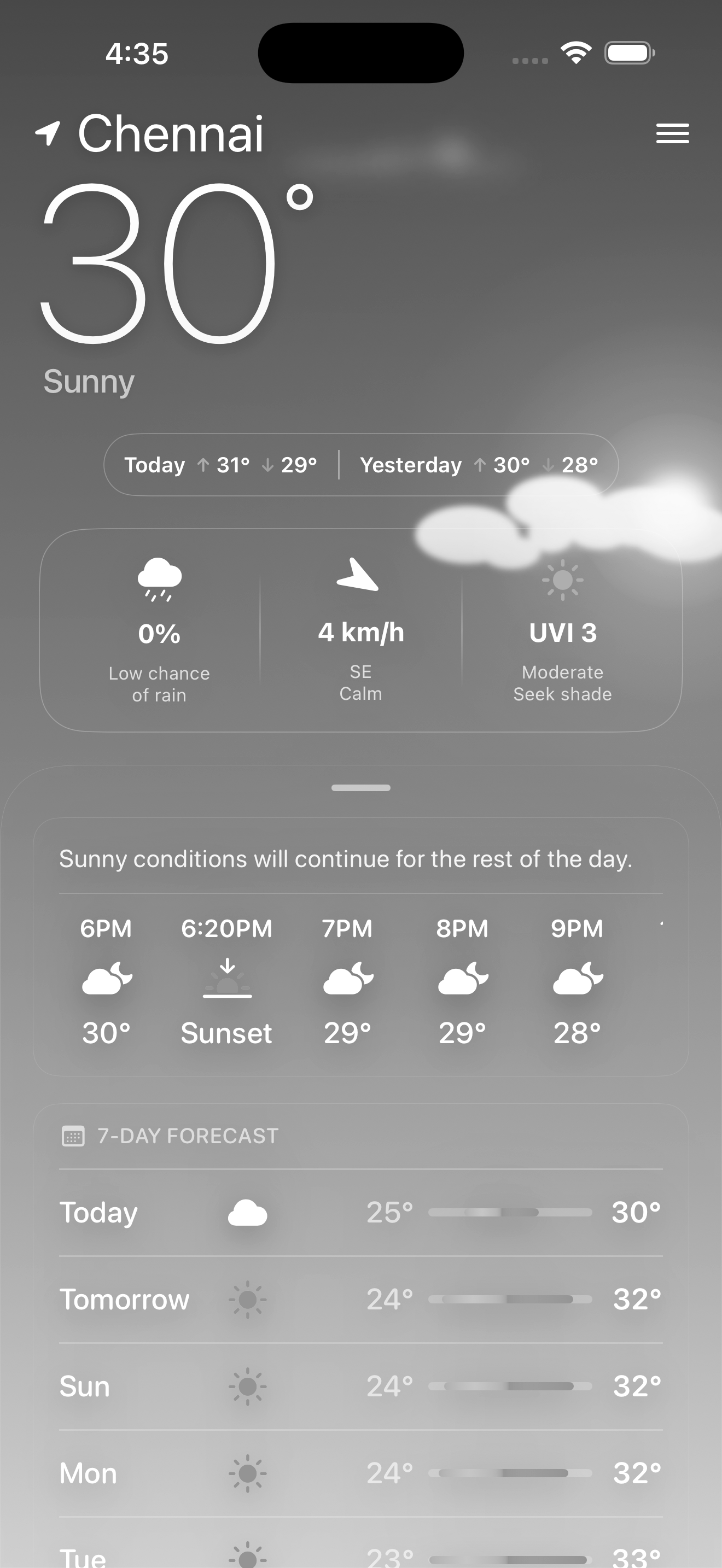
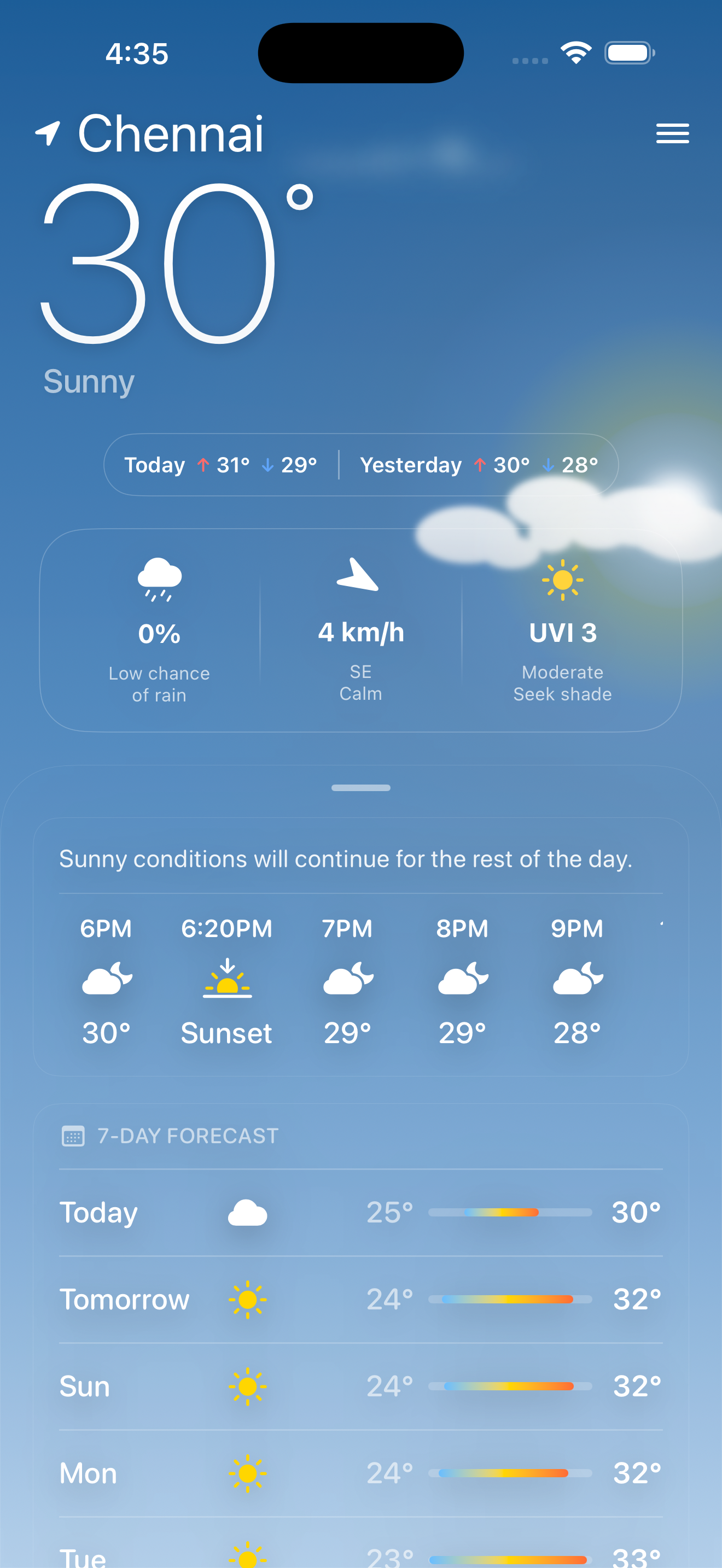
Apple Weather-Style Design
Experience weather like never before with a stunning night sky theme and glassmorphic card design. The home screen displays your current temperature, weather conditions, hourly forecasts, and 14-day predictions — all presented in a beautifully layered, Apple-inspired interface.
The app automatically detects your location using CoreLocation and displays real-time weather data powered by the OpenWeather One Call 3.0 API. Dynamic animated backgrounds respond to current conditions — see rain drops, snow flakes, twinkling stars, or drifting clouds depending on your local weather.
Hourly & Daily Forecasts
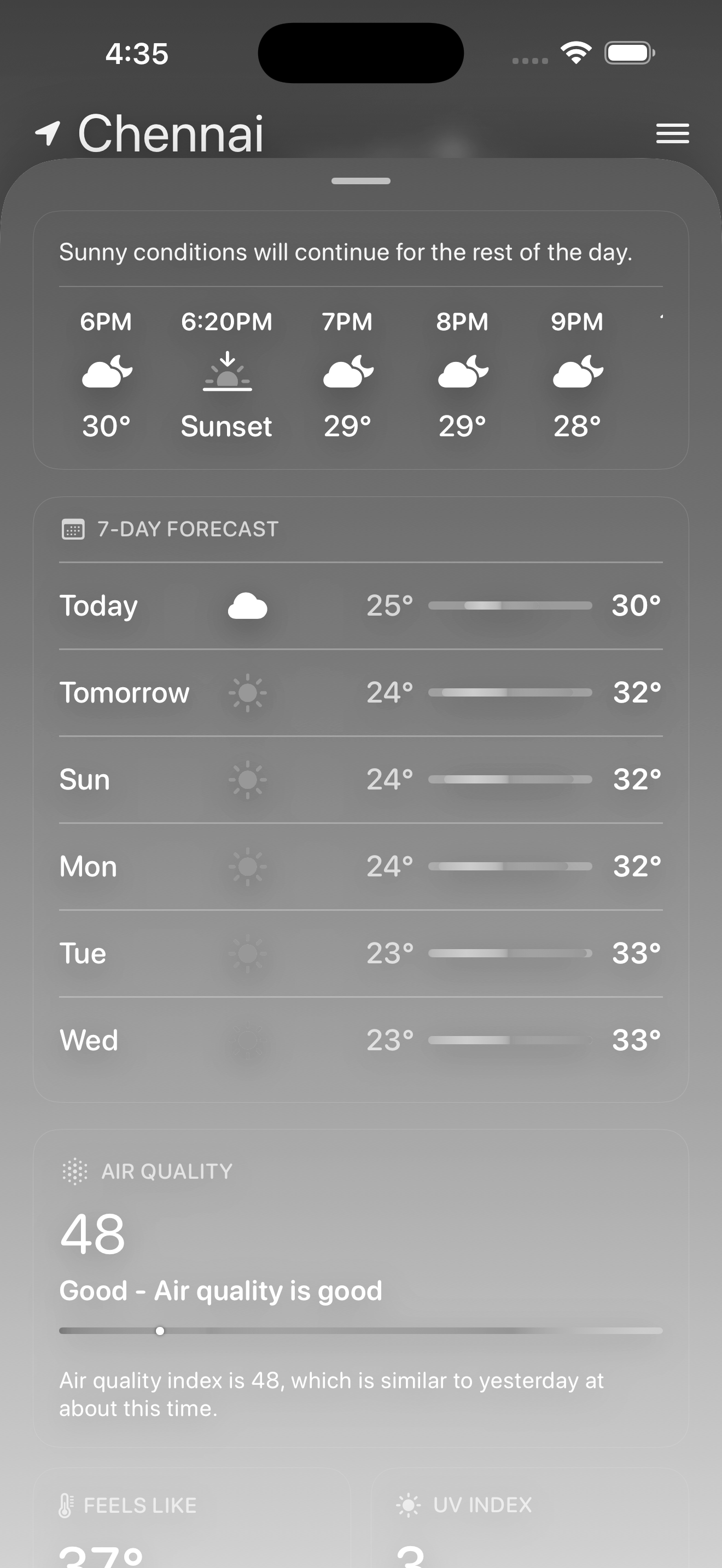
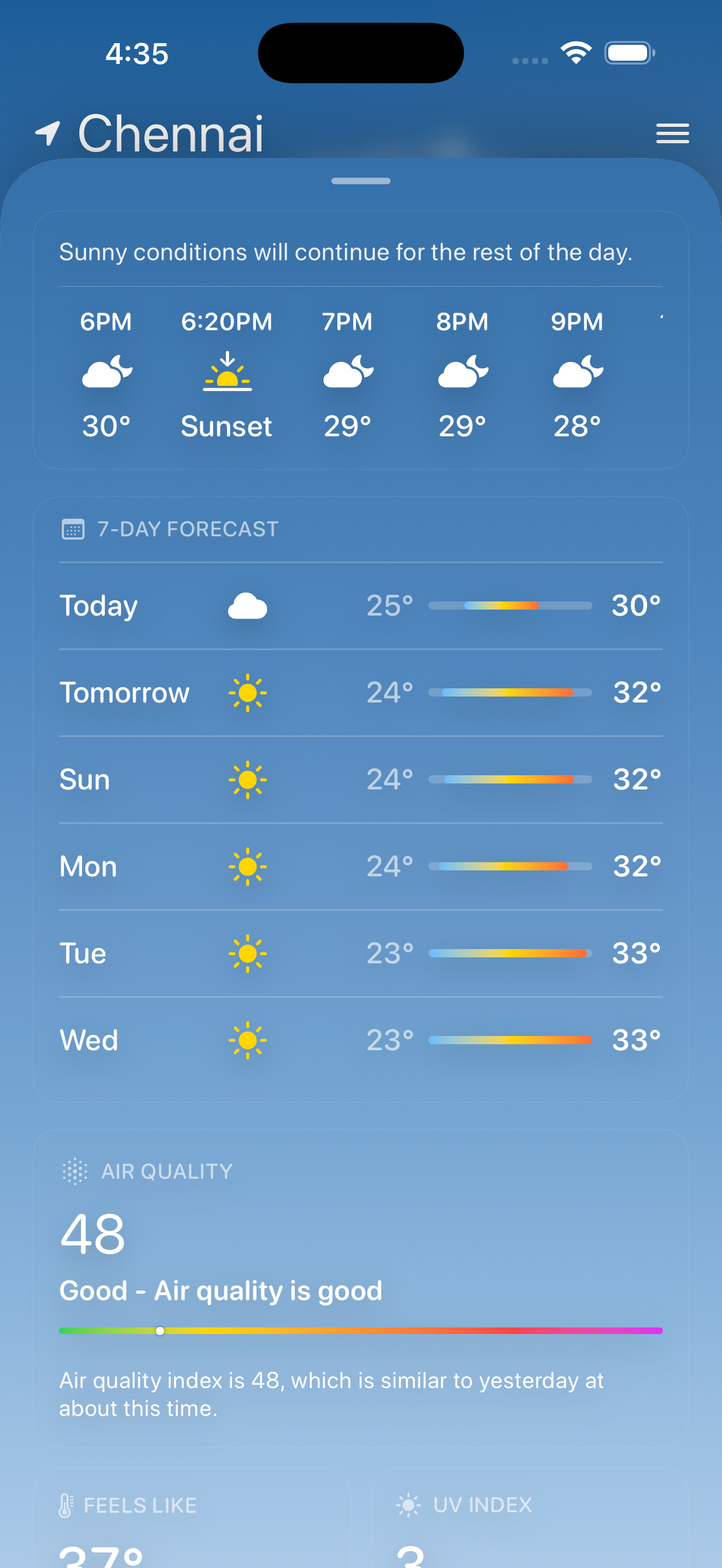
Swipe through a beautifully designed forecast view with hourly temperature trends and a comprehensive 14-day outlook. Each day's forecast includes high/low temperatures, weather icons, and precipitation probability — giving you all the data you need at a glance.
The slide view features smooth SwiftUI animations and transitions, with weather cards that elegantly present wind speed, UV index, sunrise/sunset times, and moon phase data. Every metric card uses glassmorphism for a premium, translucent feel that stays consistent with the Apple design language.
In-Depth Weather Analytics
Dive deep into specific weather metrics with dedicated detail screens. Each card on the home screen expands into a rich, data-driven view with charts, gauges, and contextual health recommendations. From UV exposure warnings to air quality insights — Wyndra gives you the complete picture.
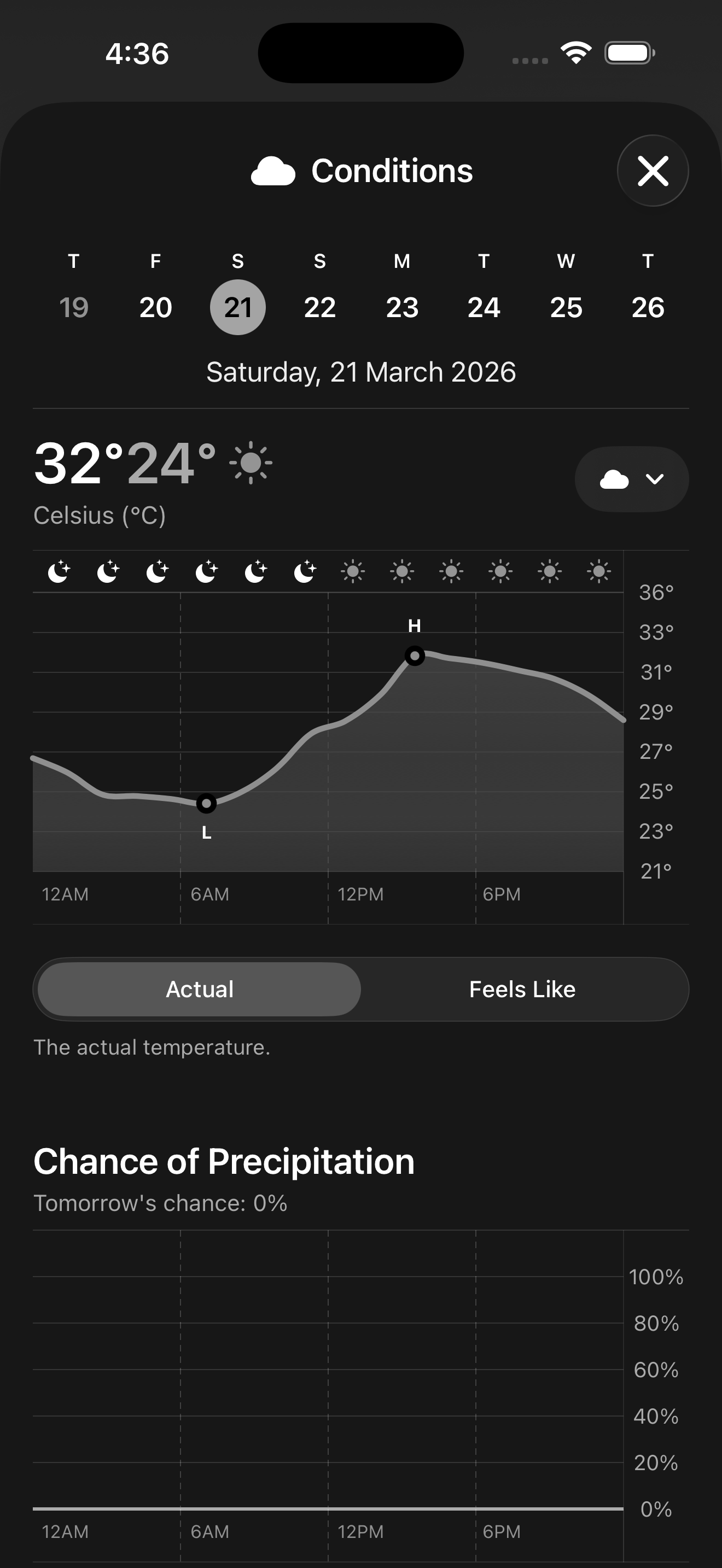
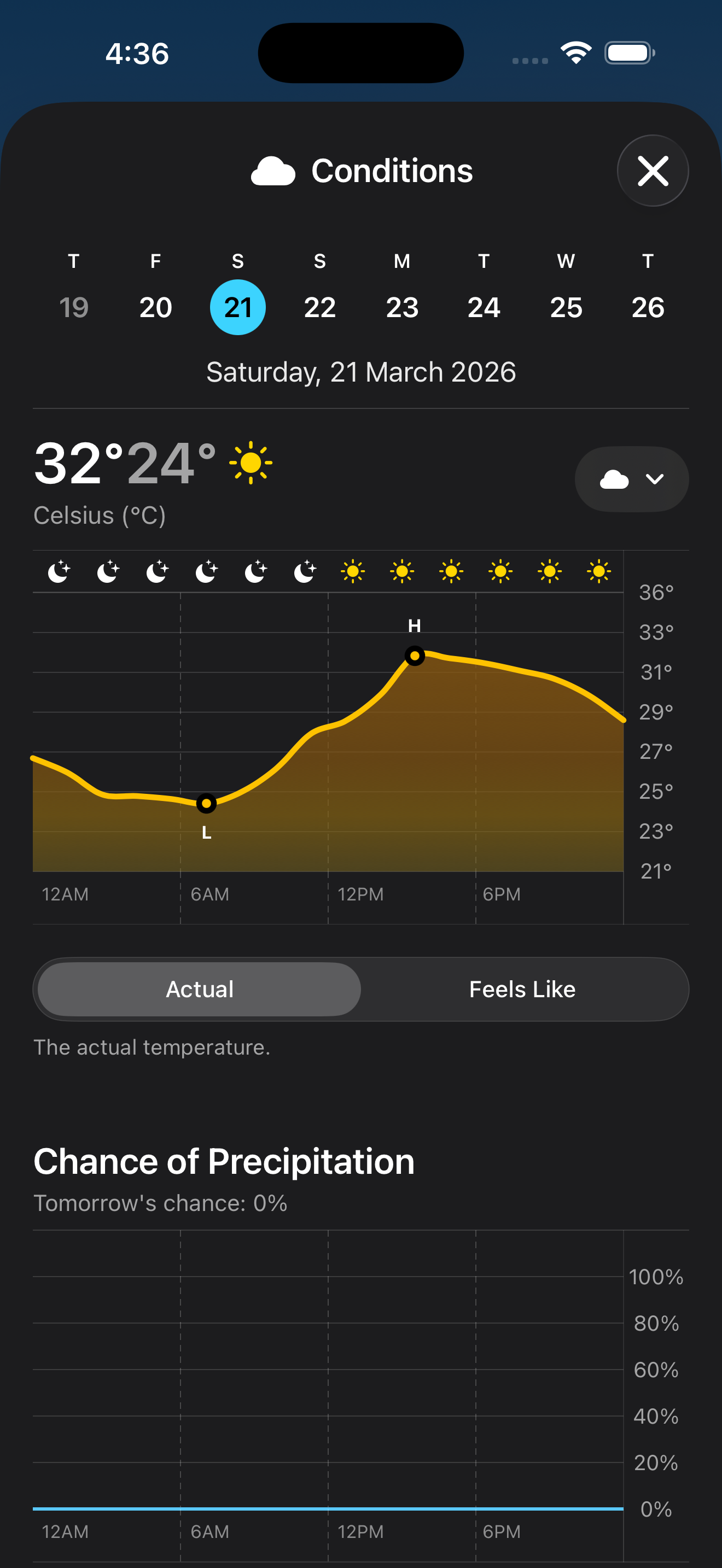
Conditions
Get a comprehensive overview of the current weather conditions with detailed 24-hour temperature graphs. The interactive chart lets you visualize the precise temperature fluctuations throughout the day and into the night.
Beyond just the temperature, you'll see the apparent "feels like" temperature, daily precipitation summaries, and atmospheric highs and lows. The clean, intuitive interface makes it easy to understand exactly what to expect when you step outside.
Personalize Your Experience
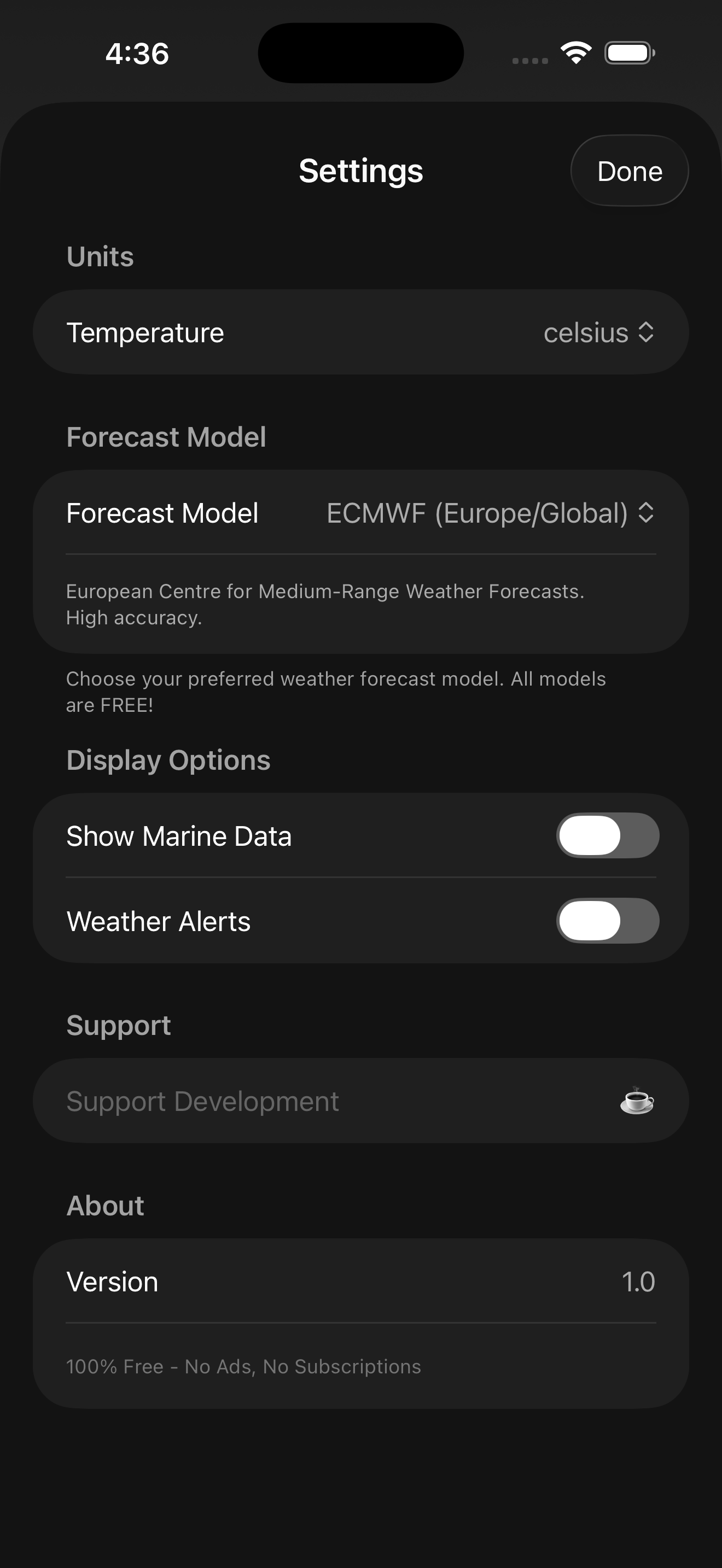
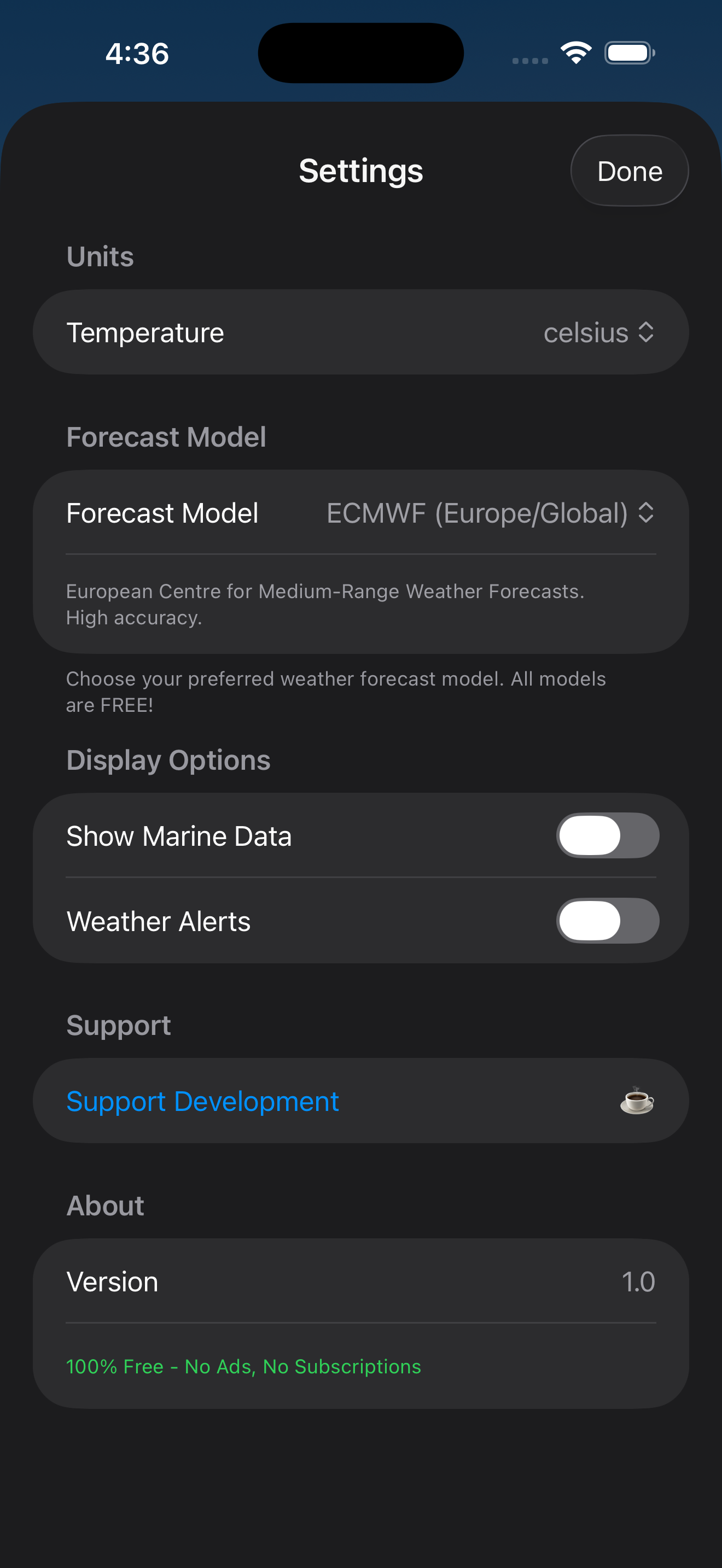
Customize Wyndra to fit your preferences. Switch between Metric (°C) and Imperial (°F) units, set your default city for when location services are unavailable, and configure notification preferences for weather alerts.
The settings screen also lets you manage saved locations, toggle background animation effects, and report issues directly from within the app. Every configuration is persisted locally using Swift's UserDefaults, ensuring your preferences are always remembered.
Built with 100% Native Swift
Wyndra is built entirely with SwiftUI and Swift 5.9, targeting iOS 17+. The app uses a clean MVVM architecture with dedicated Services for API calls, location management, and data caching. No external dependencies are required — it's 100% native Swift.
Frontend: SwiftUI for declarative UI, custom glassmorphic components, animated weather backgrounds using Canvas and TimelineView, CoreLocation for GPS-based location detection, and Combine for reactive state management across ViewModels.
Backend / Services: OpenWeather One Call 3.0 API for real-time weather data, AirQuality and Pollen services for health-related metrics, CacheService for offline data persistence, AlertService for weather warnings, and VisibilityService for atmospheric condition calculations.
Architecture: MVVM pattern with WeatherViewModel as the central state manager. Modular view extensions under ModernHome keep the codebase clean and maintainable. Dedicated detail views (ConditionsDetailView, HumidityDetailView, PressureDetailView, VisibilityDetailView, WindDetailView, UVIndexDetailView) provide deep-dive analytics for each weather metric.
See my projects
Take a look at what I've been up to! I love bringing ideas to life and can't wait for you to check out my latest creations.
PitStop
India's #1 roadside assistance app — find fuel stations, compare prices, and get emergency help on the go.

Carbon Footprint
Track and reduce your carbon emissions with personalized insights and eco-friendly recommendations.

Wyndra
An Apple Weather-inspired iOS app with glassmorphic UI, dynamic backgrounds, and real-time weather data.

Let's talk!
Feel free to reach out! I'm here to help and will respond within 24 hours. Your questions matter to me!
Frequently asked questions
Discover more about how Wyndra delivers beautiful, hyper-local weather forecasting.
What sets Wyndra apart from standard weather apps?
Wyndra combines highly accurate forecasting with an emphasis on health metrics. It provides real-time UV index, air quality (AQI), and personalized recommendations for outdoor activities in a sleek interface.
How was the user interface designed?
I focused on a minimal, distraction-free design with a strong emphasis on data visualization. The app fully supports dynamic dark mode out-of-the-box and uses highly legible typography for clarity.
What powers Wyndra's weather data?
Wyndra aggregates data from leading meteorological APIs to ensure real-time accuracy and highly reliable localized forecasts across global regions.
Are the weather charts interactive?
Yes, the 24-hour forecast graphs are fully interactive, allowing users to scrub through hourly data points to view precise temperature, precipitation, and wind details instantly.
Does the app support customizable weather alerts?
Yes, you can configure personalized notifications for severe weather updates, sudden temperature drops, or when the UV index and AQI reach hazardous levels in your area.
Can I save multiple locations in Wyndra?
Wyndra allows you to effortlessly save and manage multiple cities or regions, letting you swipe through different global locations to check their distinct weather profiles in real-time.